Mouse & Keyboard Mastery: Optimizing Your Setup for Competitive Play
In the high-stakes world of competitive PC gaming, the line between victory and defeat is measured in milliseconds. While raw skill and game sense are paramount, your physical hardware and its configuration are the tools that translate thought into action. You wouldn't expect a concert pianist to perform on a broken keyboard, so why handicap yourself with a suboptimal setup? True mastery begins not in the game, but at your desk.
Let's start with the most pervasive myth in gaming: DPI, or dots per inch. Many players believe a sky-high DPI setting is the key to lightning-fast reflexes. In reality, high DPI often leads to shaky, imprecise aim because it amplifies every tiny muscle tremor in your hand. The overwhelming majority of professional esports athletes across shooters and MOBAs use a surprisingly low sensitivity. This allows for broad, sweeping arm movements for turning and tracking, combined with fine wrist and finger control for pixel-perfect adjustments. The key is finding a balance that allows you to do a comfortable 180-degree turn with one swift motion across your mousepad.
Your choice of mousepad is just as critical as the mouse itself. The surface texture dictates the friction and control you have. A "speed" pad with a slick, hard surface allows for rapid, effortless flicks but can be difficult to stop precisely. A "control" pad with a cloth weave offers more resistance, giving you greater stopping power for holding a bead on a moving target. There is no "best" type, only what best suits your game and grip style. Experimentation is key, and a clean mousepad is non-negotiable—built-up grime is the enemy of consistent glide.
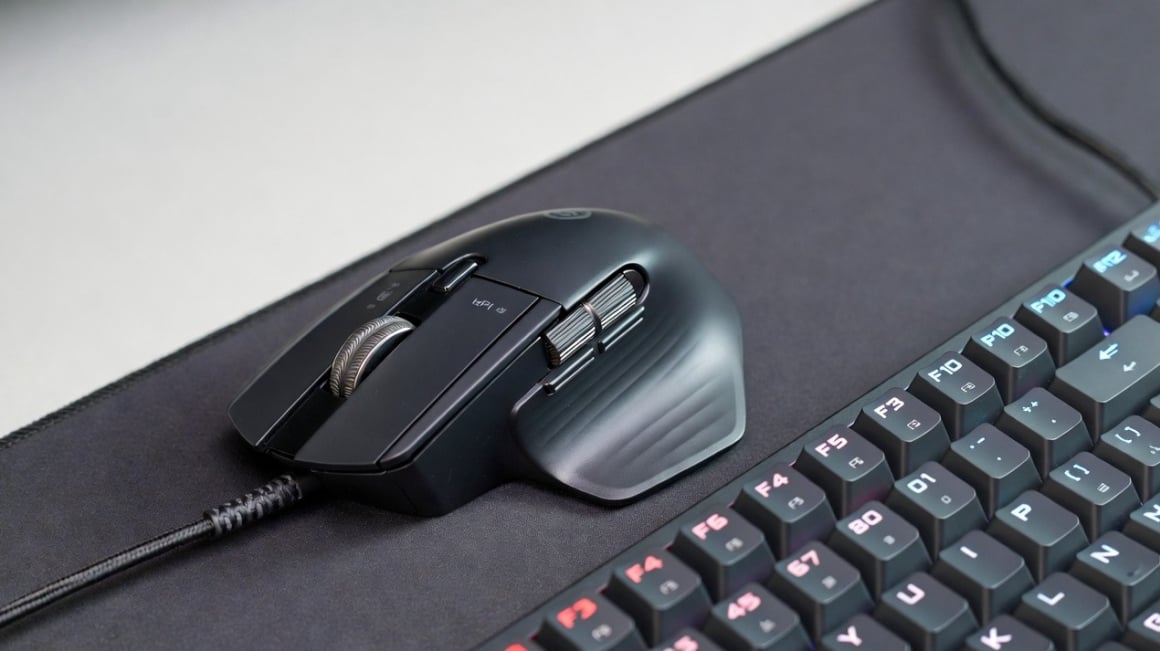
Now, turn your attention to your keyboard. It’s time to have an honest conversation about keybinds. Default keybinds are designed for the widest possible audience, not for peak performance. Are you really comfortable taking your finger off WASD to hit a crucial ability on 'F' or 'G'? Consider the vast potential of your thumb, which often just sits on the spacebar. Modern gaming mice with side buttons are a game-changer here, allowing you to offload critical actions like grenades, melee attacks, or ultimate abilities to your thumb without ever sacrificing movement.
Ergonomics is the final, often overlooked pillar of performance. This isn't just about comfort; it's about sustainability and consistency. If your chair is too low and your desk too high, you'll be forced to hunch, leading to shoulder fatigue and reduced circulation to your arms after a long session. Your elbow should be at roughly a 90-degree angle, and your forearm should be parallel to the floor, gliding effortlessly across the desk. This neutral posture allows for longer, healthier play sessions and prevents the cumulative strain that can permanently derail a competitive hobby.
Mastering your setup is a journey of self-optimization. It’s about understanding the biomechanics of your own body and the physics of your tools. By debunking the DPI myth, choosing the right surface, customizing your binds for efficiency, and prioritizing ergonomics, you build a foundation that allows your true skill to shine. You stop fighting your gear and start fighting your opponents, and in the world of competitive gaming, that is the ultimate advantage.